
Apps
Learn about new iPhone apps that are worth downloading. Finding new cool iPhone apps is hard, and iPhone Application List discovers and reviews some of the best apps.
-
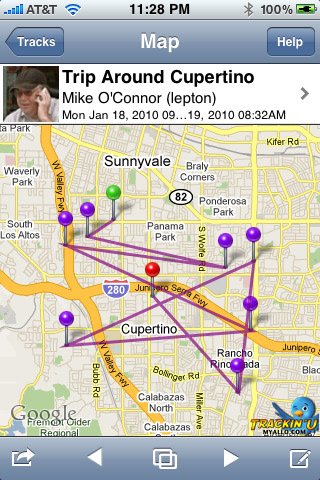
Blacktop and TrackinU: how early iPhone apps mapped social trips
Revisit Blacktop and TrackinU Universal, two early iPhone apps that turned check-ins and geotagged tweets into maps of a journey.
-
Flashcards Deluxe for iPhone: build a focused study deck
Make your own iPhone flashcards with Flashcards Deluxe. Explore study modes, card imports, current US pricing and the official App Store download.
-

iFog for iPhone: the original fogged-glass drawing app
Identify the original iFog app, revisit its misted-glass drawing effect and historical product screenshot, and check its US App Store availability.
-
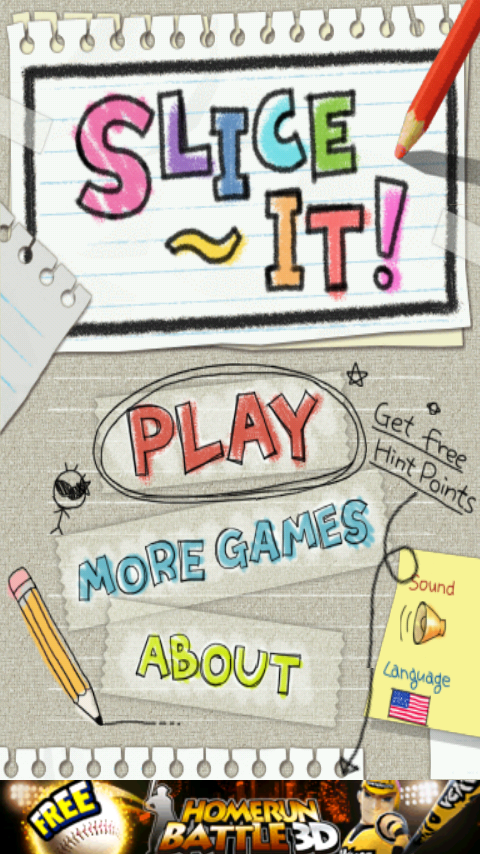
Slice It! for iPhone: revisiting Com2uS’s geometry puzzle
Identify the original Com2uS Slice It! app, revisit its paper-and-pencil design and development history, and check the status of its old iPhone…
-
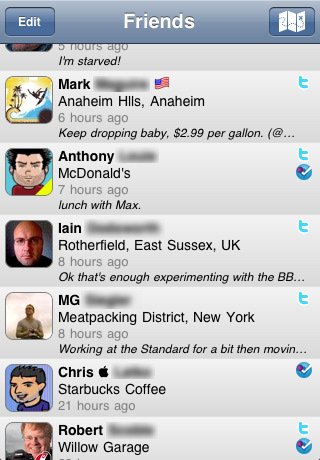
TwentyThree for iPhone: the 2010 social app, revisited
Identify Simon Patarin’s TwentyThree app, revisit our 2010 review, and see the original iPhone interface for its social check-in features.
-

UpNext 3D Cities for iPhone: the app and its Amazon history
Revisit UpNext 3D Cities, identify the original iPhone app, see its historical screenshot, and learn how the team joined Amazon.
-

Disney World Maps for iPhone: the old app and today’s options
Identify the old VersaEdge Disney World Maps app, compare today’s Magic Guide and My Disney Experience options, and find official download links.
-

Gyminee became Daily Burn: what the old iPhone link refers to
Follow the old Gyminee link to Daily Burn’s history, current iPhone app, official download and subscription details.
-
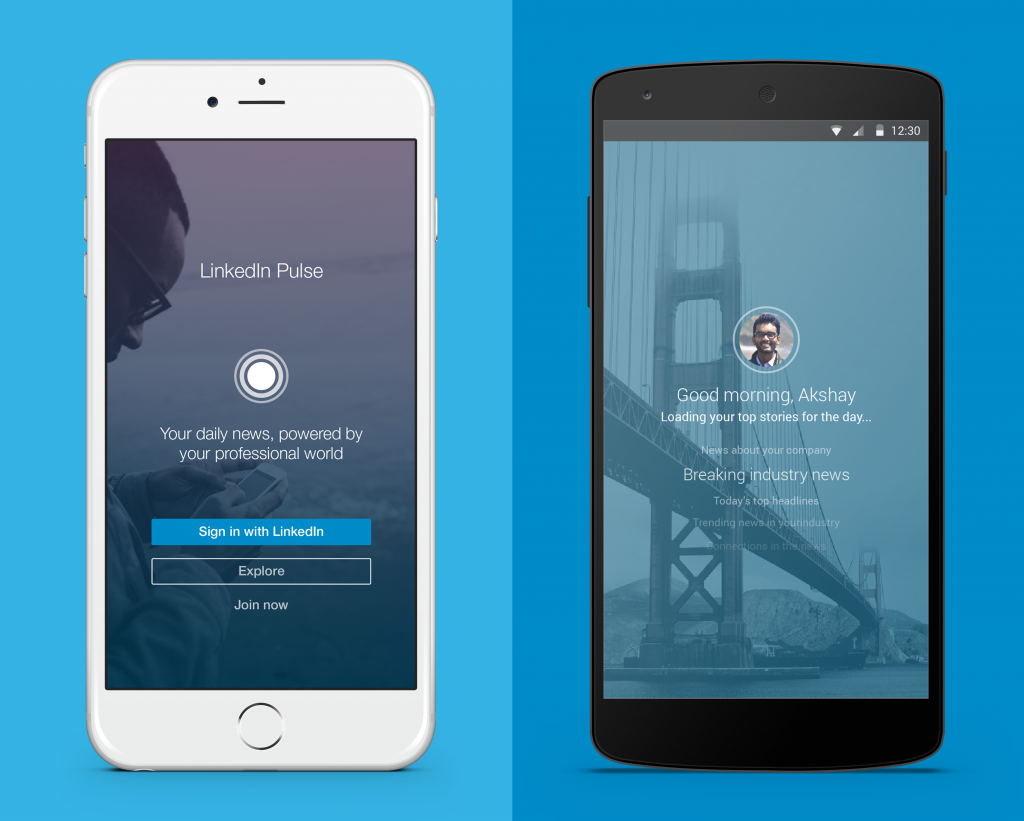
Pulse for iPhone: the news reader, Pulse.me and what changed
What happened to Pulse for iPhone? Revisit Pulse.me, the LinkedIn redesign and today’s options for reading RSS feeds.
-
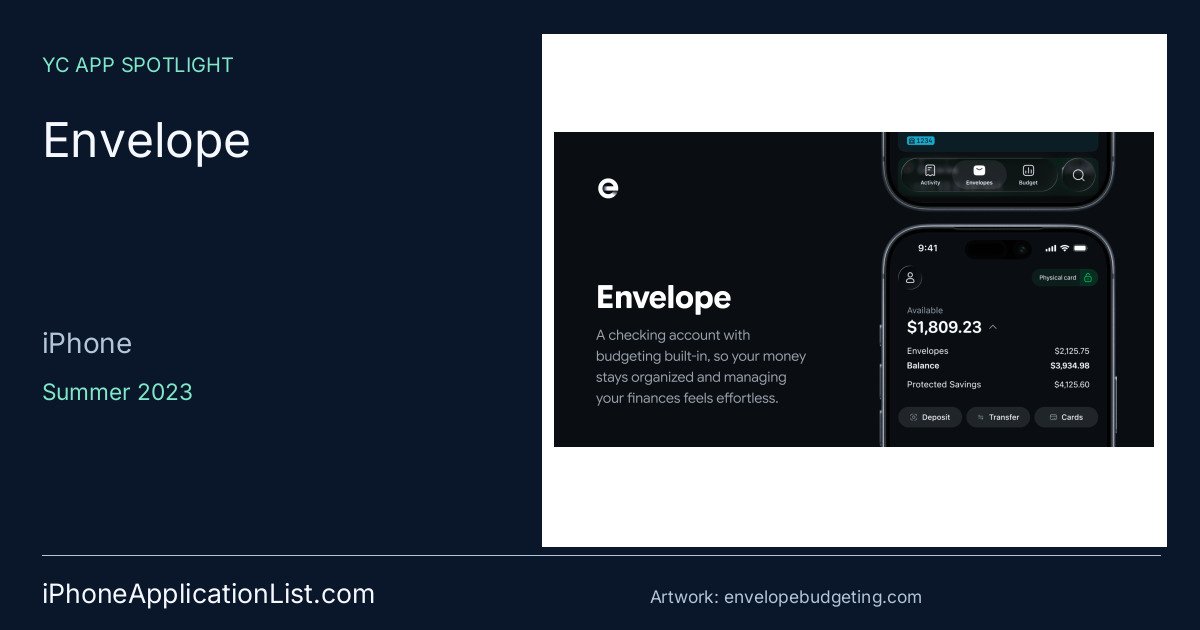
Envelope: iPhone budgeting with built-in checking and debit cards
Envelope is a Summer 2023 YC iPhone app for envelope budgeting with built-in checking and debit cards.
-
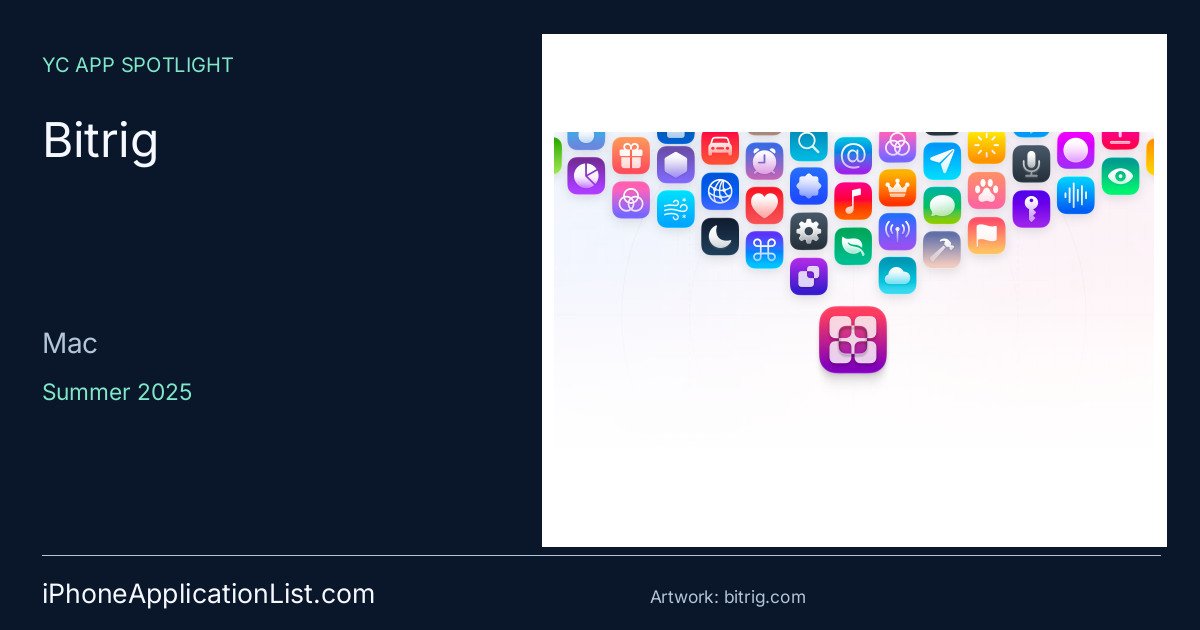
Bitrig: an AI Mac app for building and shipping native Swift apps
Bitrig is a Mac app from YC Summer 2025 that uses AI to build, test, and ship native Swift apps.
-

Flight Control: Firemint’s iPhone classic and the HD edition
Revisit Firemint’s Flight Control, understand the separate HD edition, and check the platform limits before looking for a download.
-
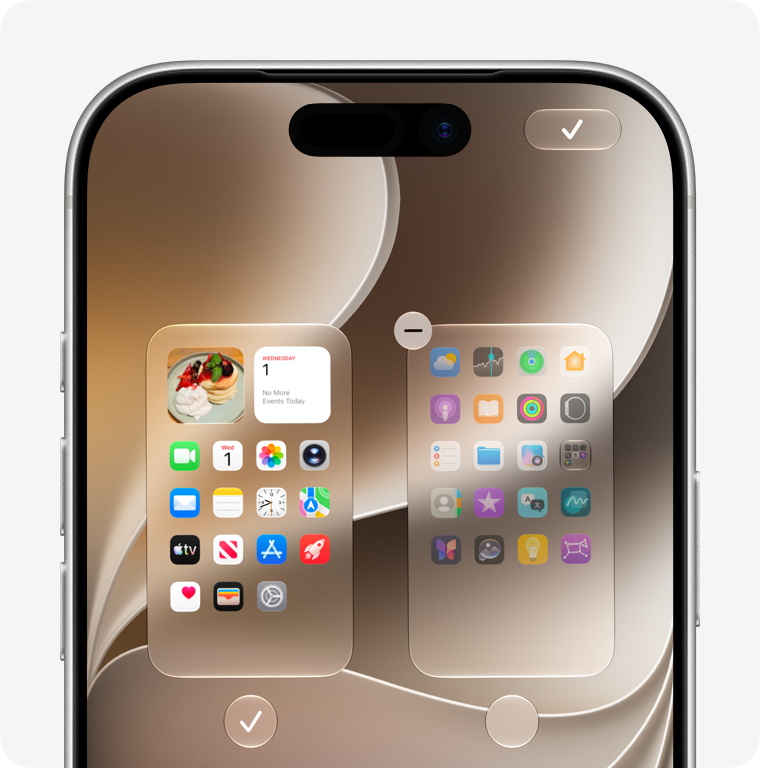
What apps come with iPhone? A guide to Apple’s built-in apps
Find the Apple apps that come with iPhone, understand why an icon may be missing, and learn how to restore a deleted…
-

iPhone RSS readers: get started with NetNewsWire
Follow the sites you choose with NetNewsWire for iPhone. Learn how RSS feeds, syncing and OPML work, and where Feedly fits.
-
WORMS on iPhone: identify the original Team17 edition
The original iPhone WORMS listing describes turn-based battles, unusual weapons and local multiplayer. Check the exact edition before returning.
-

Sleep Analyzer: what an old nighttime audio log could record
Excelltech’s Sleep Analyzer recorded sounds above a chosen threshold. An audio log is different from a clinical sleep study.
-

MovieCat: the film quiz remembered for its feline cast
MovieCat mixed film questions with cat-staged visual puzzles. The old listing remains an archive reference, not proof of current compatibility.
-
Mega Jump: revisiting the coin-powered climbing game
Get Set Games’ Mega Jump used coins and power-ups to keep a character climbing. Its surviving listing needs historical context.
-
MealBoard: connect a realistic dinner plan to the shopping list
MealBoard combines recipes, meal plans and pantry records. Start with the meals you already cook and check the generated list.
-

Cyclos on iPhone: connect to the right organization first
Cyclos is a client for an organization’s enabled banking or payment service, not a standalone account you open by installing an app.
-
Key Ring for iPhone: organize loyalty cards before the next checkout
Start with the cards you use most, verify their numbers and keep a fallback until you know a store can read them.
-

My Books: choose the edition before starting a classic
My Books combines ebook discovery and audiobooks. Check the text, edition and listening terms for the title you want.
-
X on iPhone: follow a topic without losing the original source
Use X’s real-time conversations as a route to primary sources, while keeping posts, commentary and confirmation distinct.
-

Run 5k on iPhone: understand the interval prompts before heading out
Felt Tip’s Run 5k uses walking and jogging intervals. A small setup check can make its prompts easier to follow.