
App profile
Source: Apple App Store
Templates for All
Tightrope Interactive, Inc.
App Store overview
Mac · United StatesTap “Get” to access templates easily! Template Search puts hundreds of professionally designed documents—resumes, presentations, invitations, invoices, greeting cards, and more—right at your fingertips. No sign-ups, no ads, and zero tracking: just click the Safari toolbar icon, enter what you need, and instantly preview the perfect design to print or save. Smart Categorization - Filter templates by category, style, or purpose—resumes, invoices, social posts—and pinpoint…
- Category
- Productivity
- Version
- 1.10
Inside the app
Screenshots
Scroll to explore. Select a screenshot to open the full image. Official artwork is supplied through Apple and belongs to the developer.
From the developer
About this app
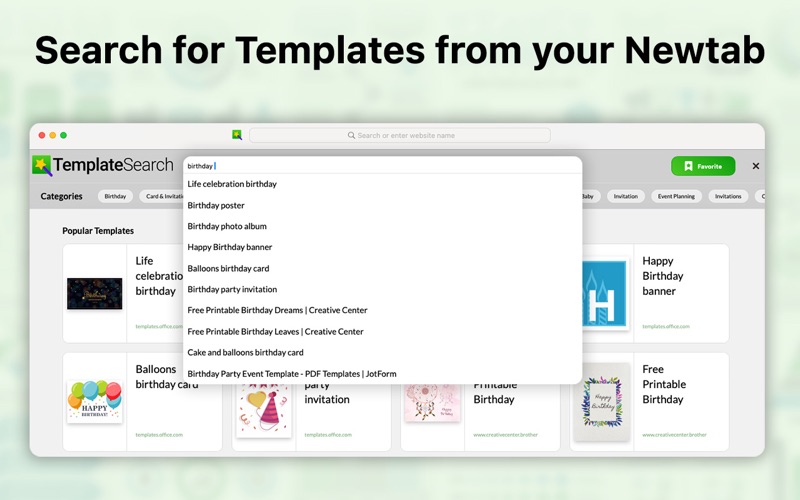
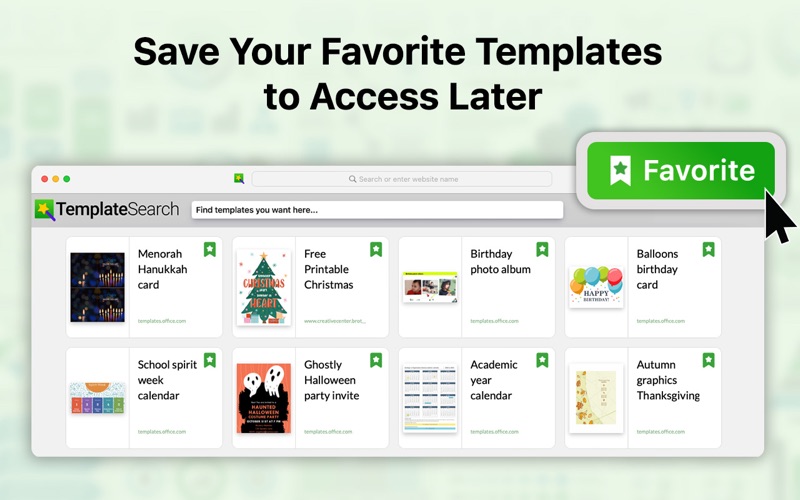
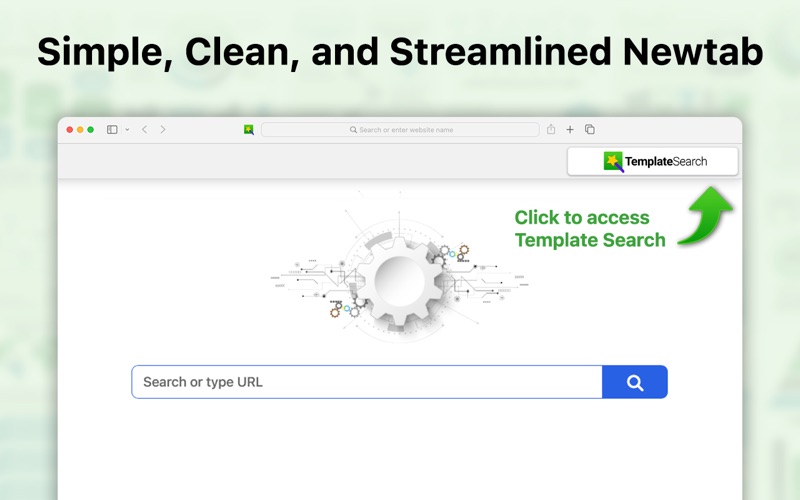
Tap “Get” to access templates easily! Template Search puts hundreds of professionally designed documents—resumes, presentations, invitations, invoices, greeting cards, and more—right at your fingertips. No sign-ups, no ads, and zero tracking: just click the Safari toolbar icon, enter what you need, and instantly preview the perfect design to print or save.
Smart Categorization
- Filter templates by category, style, or purpose—resumes, invoices, social posts—and pinpoint the perfect design in seconds.
Instant Preview
- Hover over any template to see a full-size preview before you commit—no more guessing if it’ll fit your needs.
Seamless Editing
- Open templates directly in Word, Pages, PowerPoint, or your favorite editor with a single click—customize text, colors, and layouts instantly.
Always Fresh Collections
- Updates with new, on-trend templates — stay ahead with the latest designs for business, education, and personal projects.
Why You’ll Love Template Search
- Instantly access hundreds of professionally designed templates
- Use smart categorization and instant previews to find the perfect templates
- Edit templates directly in your favorite editors like Word or PowerPoint with one click.