
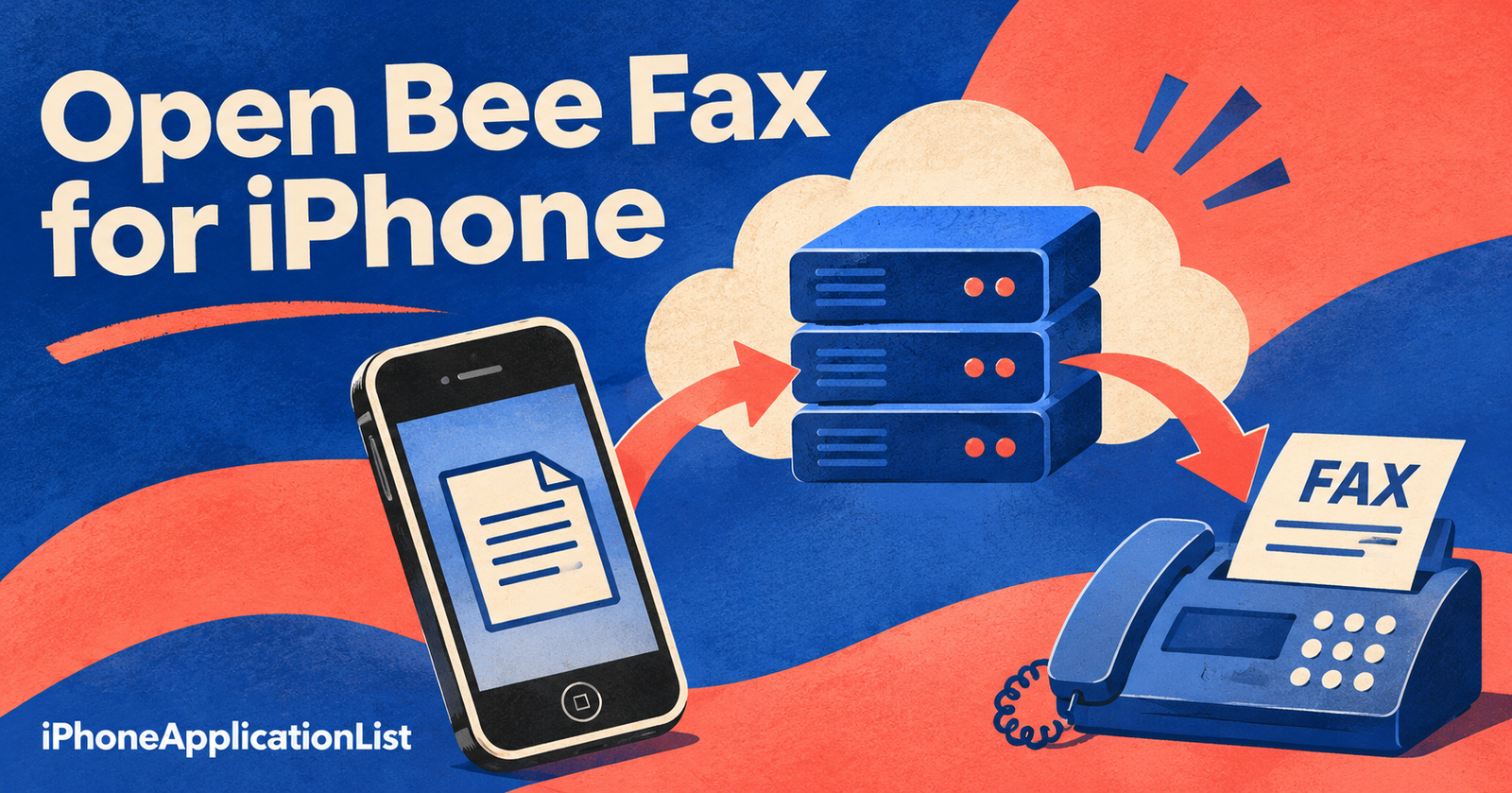
Open Bee Fax for iPhone was a browser-based companion to an organisation’s fax system. The November 2008 listing described receiving faxes as email attachments, sending faxes from the phone and monitoring incoming and outgoing corporate fax traffic.
The server requirement mattered
The original listing explicitly required an Open Bee fax server. It was not described as a standalone service that would turn any iPhone into a fax machine simply by opening a website. The historical link pointed to myopenbee.org, but that address is not a verified current setup or login route.
Questions for a present-day workflow
If you are trying to use a company fax system, start with the organisation’s current administrator or provider documentation. Establish which account and service are supported, how documents are uploaded, and where delivery confirmations appear. A document prepared on a phone and a successfully delivered fax are separate steps.
Before sending a real document, confirm the recipient number, page order and permitted file format. Use the organisation’s approved process for sensitive material and retain the service’s delivery result when required. This historical guide explains why the old iPhone tool depended on infrastructure elsewhere; it does not claim that the former server, website or authentication method remains available.
Sources and publication dates
This guide was published on 19 November 2026. Dates below refer to the original coverage where the archived page supplies a publication date.
- November 2008 listing — original coverage: Friday, November 7th, 2008.