
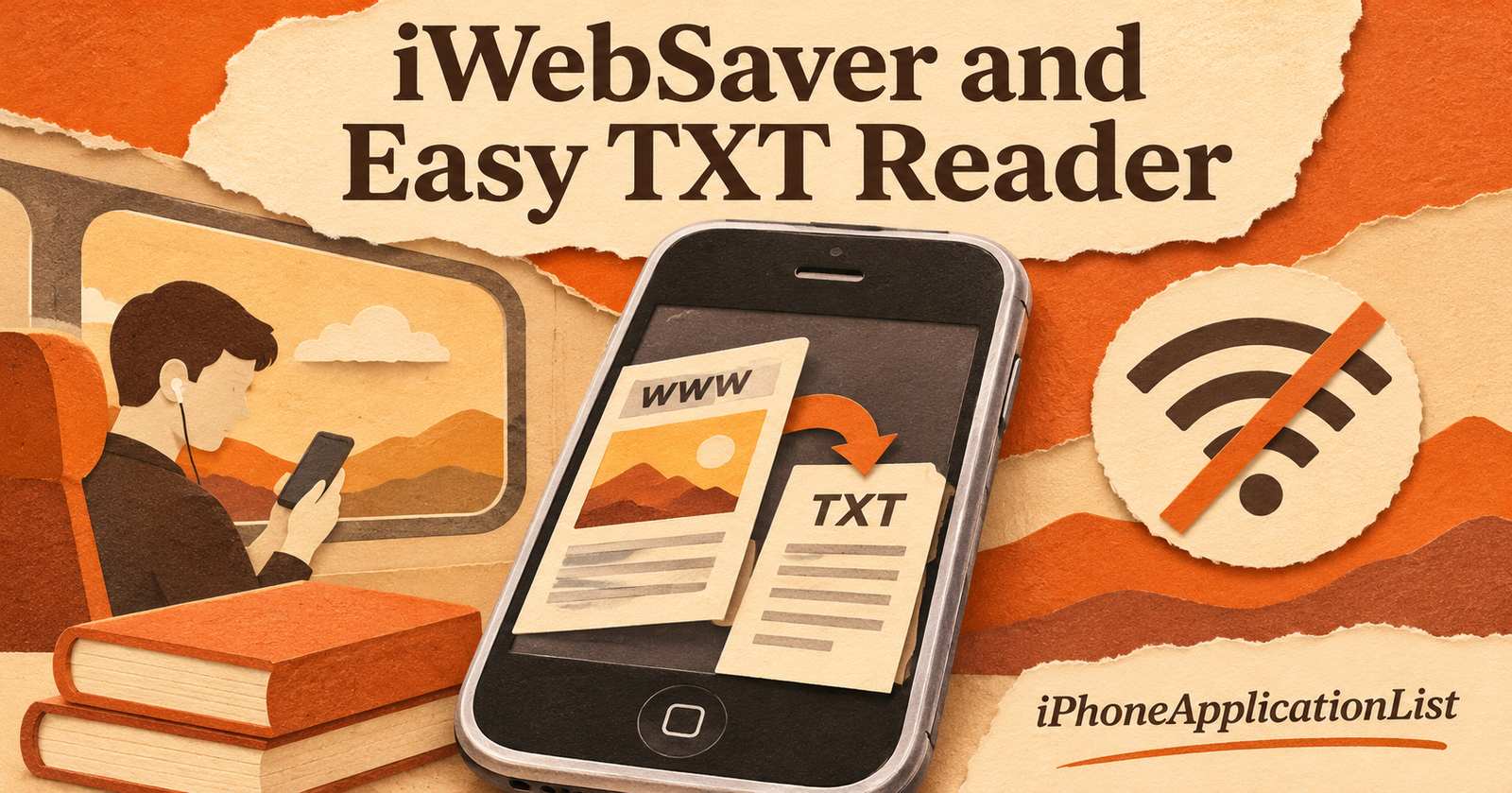
Saving a webpage and importing a text file solve related but different problems. The archived iWebSaver and Easy TXT Reader listings show how early iPhone software approached both.
iWebSaver: keep a webpage locally
The February 2008 iWebSaver article described saving pages and some web apps through data URLs, with access in Airplane Mode. It also advertised support for images and several document formats. That is the historical claim; it does not establish that every interactive website could operate offline.
Easy TXT Reader: manage reading files
The November 2009 Easy TXT Reader listing credited Sergey Razumov. It named TXT, HTML, XML and FB2 formats, encoding detection, search, bookmarks, per-file appearance settings and ZIP support. Files could be imported through several routes, including Wi-Fi and a URL. The exact old transfer instructions should not be assumed to work on current iOS.
Check what survives without a connection
A useful offline test starts with one representative page or document. Close it, disconnect from the network and reopen it. Check images, punctuation, non-English characters and your reading position. A saved address alone is not a saved copy of the content.
Keep an original file outside the reading app and test any export you plan to rely on. These historical products are examples of different storage models, not verified current download recommendations. Neither archived description proves present compatibility or service availability.
Sources and publication dates
This guide was published on 19 November 2026. Dates below refer to the original coverage where the archived page supplies a publication date.
- February 2008 iWebSaver article — original coverage: Tuesday, February 12th, 2008.
- November 2009 Easy TXT Reader listing — original coverage: Wednesday, November 11th, 2009.