
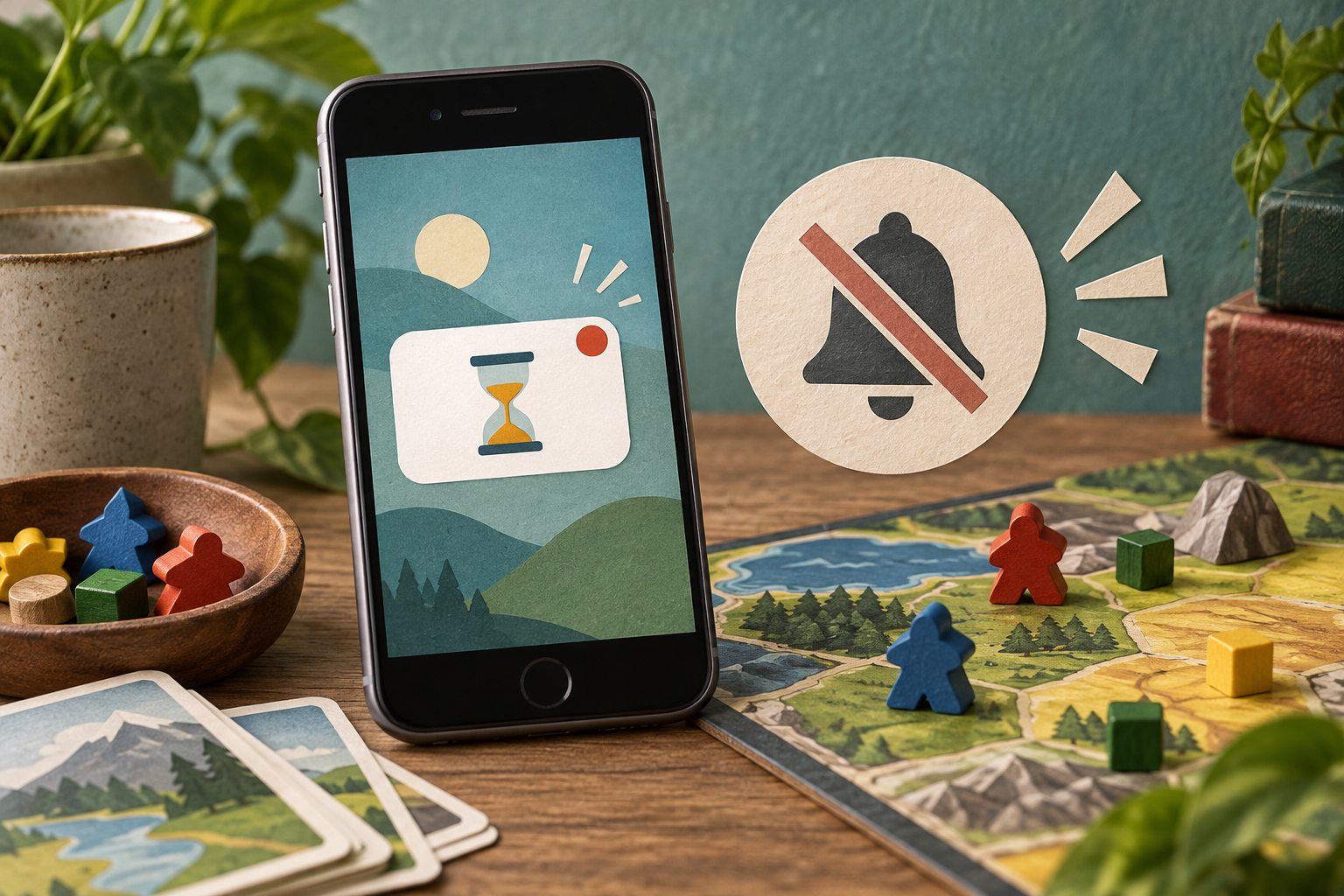
What a game notification should do
A useful game alert tells you something you wanted to know: another player has taken a turn, an agreed session is starting, or an action you chose is ready. That is different from a generic invitation to reopen the app. This guide revisits the subject of the 2010 Games with Push link without inventing its original list of games.
Choose the interruption you want
Before allowing alerts, decide which events are worth interrupting the day. If a game offers separate controls for turns, messages, and promotions, examine them individually. A category you care about should not automatically make every other alert valuable.
Apple’s per-app notification guide explains the current system controls. Those settings are a useful backstop when an app’s own preferences do not provide the level of detail you want.
Keep asynchronous play asynchronous
A turn-based game is attractive because players do not always need to be present together. Agree an informal pace with friends instead of treating every notification as a demand for an immediate response. A reminder can help you return when convenient without turning play into another deadline.
Review notification previews if the phone’s lock screen is visible to other people. A private message attached to a game is still a message, even when it arrives under a playful icon.
Judge the pattern over time
After a few days, consider which alerts you acted on and which you repeatedly dismissed. Remove categories that add no value. Check whether the game remains enjoyable when you open it by choice rather than in response to prompts.
No specific game or notification-delivery guarantee is endorsed here. The aim is a clearer relationship between the reason you installed a game and the attention it asks for afterward.