
As an Amazon Associate, we earn from qualifying purchases.
cmux is a free, open source native macOS terminal from the YC Summer 2024 batch. The company describes it as a terminal built for multitasking, organization, and programmability, and says it is built on Ghostty’s rendering library rather than being a Ghostty fork. For iPhoneApplicationList, the practical takeaway is that cmux is for Mac users who want a terminal with more structure around agent-heavy and multi-workspace work. (ycombinator.com; cmux.com)
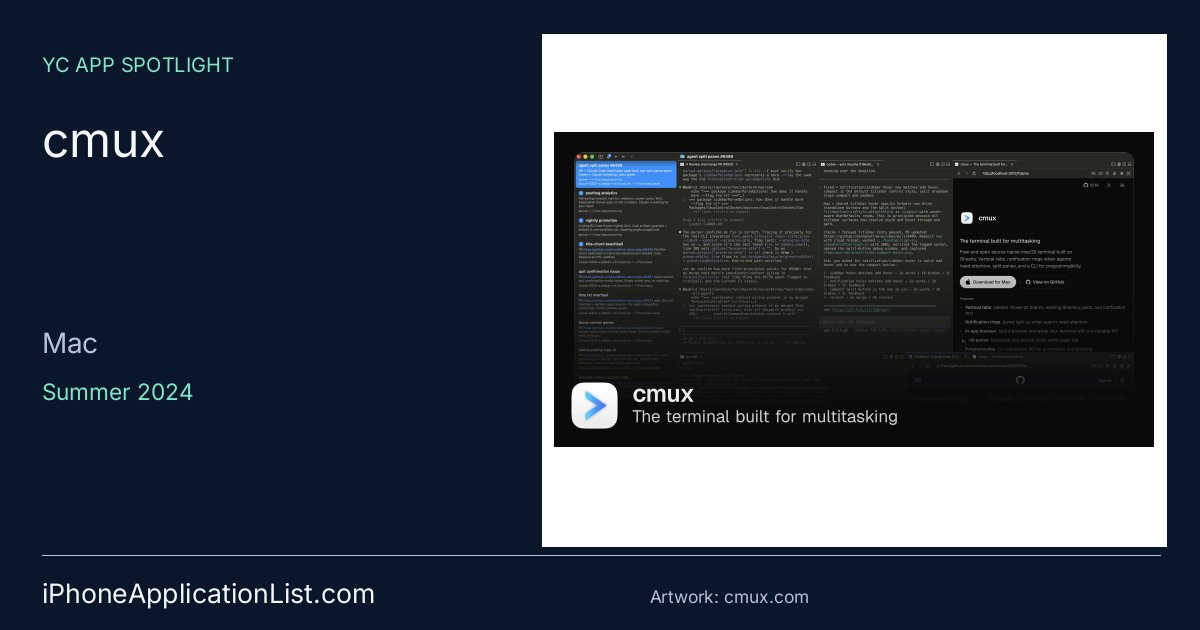
The core UI focuses on keeping several terminal tasks visible at once. cmux says it includes vertical tabs with branch, directory, port, and notification text; notification rings when a pane needs attention; split panes in both orientations; and an in-app browser that can sit beside the terminal. The site also says it is native Swift plus AppKit, GPU-accelerated through libghostty, and intentionally lightweight rather than Electron-based. (cmux.com)
cmux is aimed at people who run coding agents and other terminal workflows in parallel. The company says any agent that runs in a terminal should work, including tools launched from the command line, and that cmux can turn agent sub-tasks into visible panes instead of background processes. It also exposes a CLI and Unix socket API for automation, screen reading, screenshots, browser control, and other scripted actions, so it is best suited to users comfortable with command-line workflows rather than a minimalist terminal-only experience. (cmux.com)
On setup and access, cmux’s website offers a Download for Mac flow and a GitHub link, and the download confirmation page points users to Discord, GitHub, and social channels for support and updates. The FAQ says the iOS companion is in beta, available through TestFlight as cmux BETA, and used by pairing an iPhone with a Mac from the Mobile Connect window. The same FAQ says more platform builds are still on the way, so availability is not yet universal. (cmux.com; cmux.com)
Limitations are mostly about scope and platform maturity: the app is macOS-first, the iPhone companion is still beta, and some features depend on Ghostty configuration or terminal escape-sequence support. That said, the company positions cmux as a free tool with session restore, customizable shortcuts, and open-source code for users who want to inspect or modify it. Verified public reactions from Mitchell Hashimoto, Nick Schrock, and Edward Grefenstette describe it as a terminal for agentic workflows, a product they were looking for, and something they found impressive after extended use. (cmux.com; x.com)
Get the app
cmux website · cmux for Mac · YC company profile
Product information checked October 18, 2026. Availability and requirements can change. Social artwork uses official company imagery.
Related posts on X
https://x.com/mitchellh/status/2024913161238053296
https://x.com/schrockn/status/2025182278637207857
https://x.com/egrefen/status/2026806171563184199