
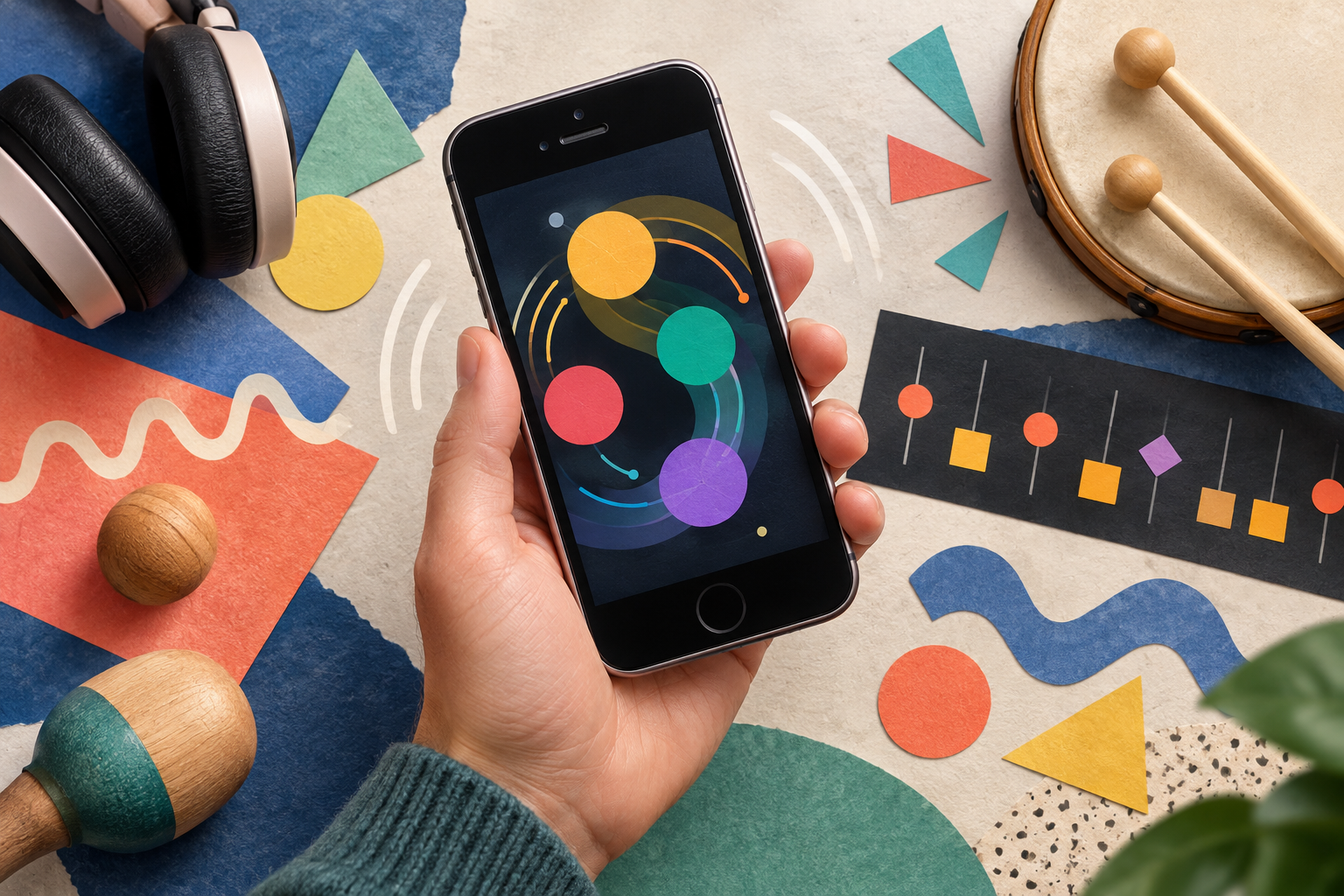
Music input beyond a miniature keyboard
ZooZBeat explored the phone as a musical interface in its own right. The research paper ZooZBeat: a Gesture-based Mobile Music Studio documents that focus. Rather than assuming a touchscreen had to imitate a desktop studio, the project treated physical interaction as part of the musical idea.
Think about the musical task
A pocket music app can serve several different roles: capture a rhythm, sketch a melody, make a complete arrangement, or simply invite playful sound-making. Decide which role interests you before comparing feature lists. A tool that is enjoyable to improvise with may not be the one you need for detailed editing.
Try a short idea that you can recognize when it repeats. Notice whether the interface encourages you to develop that idea or sends you searching through controls. That is an evaluation method, not a claim that we have tested the original app.
Ask where the creation can go
Before investing time in a project, check whether a current music tool can save it, reopen it, and export it in a form you can use. Distinguish an audio recording from editable musical data. If you want to collaborate, verify what the other person needs to open the result.
Keep notes about any sound libraries or samples used, especially if you intend to publish the recording. An app being available to download does not by itself explain the rights attached to every included asset.
Preserve ZooZBeat’s historical role
This page does not verify a supported current download of ZooZBeat. Its value here is as a documented example of early mobile musical experimentation. The broader question remains interesting: what can a phone’s small, portable, responsive interface make possible that a conventional studio layout does not naturally invite?